Description
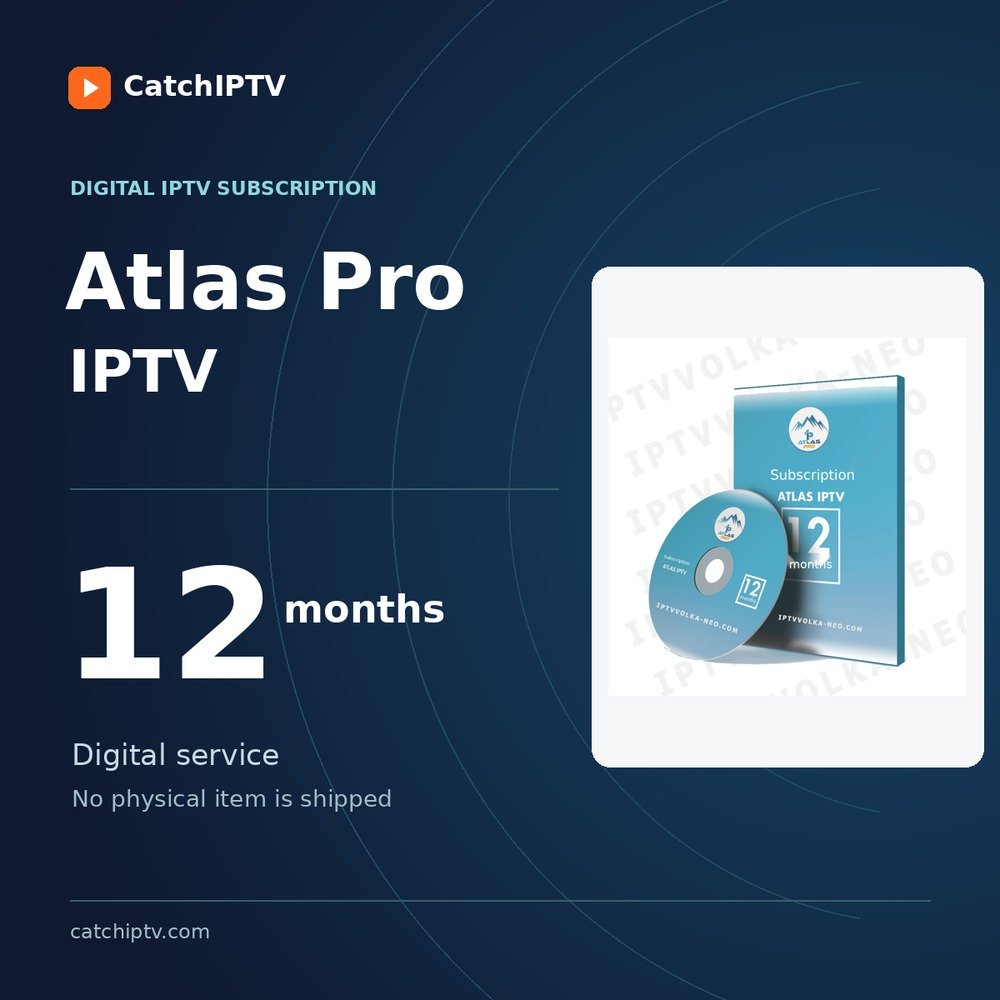
Atlas Pro IPTV Subscription
The Atlas Pro IPTV subscription gives you access to more than 6,000 live TV channels and a video-on-demand library containing the best films and series.
Alongside these, the Atlas Pro IPTV subscription offers time-shifted live TV so you can watch anything you missed.
The high quality of the Atlas Pro IPTV subscription is always an advantage.
If you are a football fan who wants to follow the seasons, the Atlas Pro IPTV subscription is recommended for you. You can enjoy the season with the 12-month subscription.
The Atlas Pro IPTV subscription has something for the whole family. Every family member can find something to enjoy.
There is a wide variety of international channels broadcasting everything you want to watch.
The video-on-demand library also offers the most popular films and TV series for those who enjoy binge-watching.
Catch IPTV is proud to offer the Atlas Pro IPTV subscription.
Atlas Pro IPTV App for Android
The Atlas Pro IPTV app is available for Android OS devices. Android boxes are ideal for Atlas Pro IPTV because they handle stream quality well. You can download the app quickly from the Play Store.
Once the app is downloaded, enter the code we provide after you purchase the Atlas Pro IPTV subscription.
Atlas Pro IPTV on Smart TVs
For the overall experience of colours and sound, smart TVs are the best devices to connect to your IPTV subscription.
If you want to access your Atlas Pro IPTV subscription from a smart TV, contact us. Our support team usually responds very quickly.
Internet Requirements for the Atlas Pro IPTV Subscription
The Atlas Pro IPTV subscription has worldwide coverage and works in most countries. As long as you have fast Internet access, you can enjoy your Atlas Pro IPTV subscription.
For the subscription to work effectively, the minimum Internet speed requirement is 4 Mbps.
Make sure your Internet speed does not prevent the subscription from working to its full potential. Also check whether other devices at home are using a lot of bandwidth.
If you connect your device using Wi-Fi, we strongly recommend using a LAN cable instead.
Here is a website where you can check your Internet speed.
Atlas Pro IPTV FAQ
Where can I find M3U links or codes for Atlas Pro IPTV?
M3U links and codes are included with the Atlas Pro IPTV subscription. You receive everything you need after purchasing the subscription.
Are the channels not loading?
First check the following to make sure everything is working correctly:
Use VLC player on your PC to check whether they work. Make sure the M3U link is active on your PC.
Make sure the app is activated.
Restart the router to refresh DNS.
Reset Atlas Pro IPTV and enter the link again.
Will I receive any devices with the subscription?
The Atlas Pro IPTV subscription does not come with devices or hardware. The subscription only provides access to IPTV services.
Are refunds available?
You may request a refund within 7 days of activation if a technical problem remains unresolved. Contact support with your order details and a description of the problem.
How many devices can work with one subscription?
Each subscription allows only one device. Make sure you use the subscription on only one device at a time.
Could there be any problems?
The servers used by Atlas Pro IPTV are very reliable and work efficiently to handle large amounts of traffic. However, occasional updates may make the service unavailable briefly. This is not permanent.
Technical support is available free of charge 24/7 throughout the 12-month Atlas Pro IPTV subscription period.
Additional Information
We send the subscription code within just a few minutes.
Find other subscriptions: Best IPTV Subscriptions